Does denoising remove color banding in video?
Distinguish noise cleanup from smoother gradients. See what RGBA’s candle example improves, what remains, and how to judge a matched-grade preview.

By RGBA
A cleaner image is not necessarily a less-banded image. If the colored speckles disappear but the same contour lines remain across a sky, wall or pool of light, noise reduction has improved one problem without resolving the other. Judge those changes separately before deciding whether the shot is ready for your edit.
Look for the defect you actually need to improve
Start with the original video under the grade you intend to deliver. Pick a smooth region, such as the glow around a practical light, and something with fine detail nearby. Watch the moving shot before pausing it.
| What you see | What to compare after treatment |
|---|---|
| Colored speckles or a restless grain pattern | Whether that distracting variation becomes quieter |
| Distinct steps across a smooth gradient | Whether the boundaries between tones become less visible |
| A smoother surface with missing texture | Whether the shot has traded useful detail for smoothness |
| A clean paused frame but unstable moving edges | Whether the improvement holds during normal playback |
These are viewing checks, not a diagnosis from a screenshot. Several problems can occur in the same region.
Adobe's color-depth example shows stepped gradients becoming more pronounced under exposure adjustments at lower working precision. Its example concerns the project's working color depth; it does not establish that changing a setting restores information missing from camera footage.
Check noise reduction and tonal transitions separately
Adobe's Remove Grain documentation describes reducing noise while trying to preserve image detail, and notes that grain reduction can reduce sharpness. That is a reason to inspect detail alongside smooth areas, rather than accepting a quieter image as proof that every defect improved.
For your comparison, ask two separate questions: did the distracting noise decrease, and did the tonal boundaries become less objectionable? A useful answer may be yes to one and no to the other.
What our candle example shows
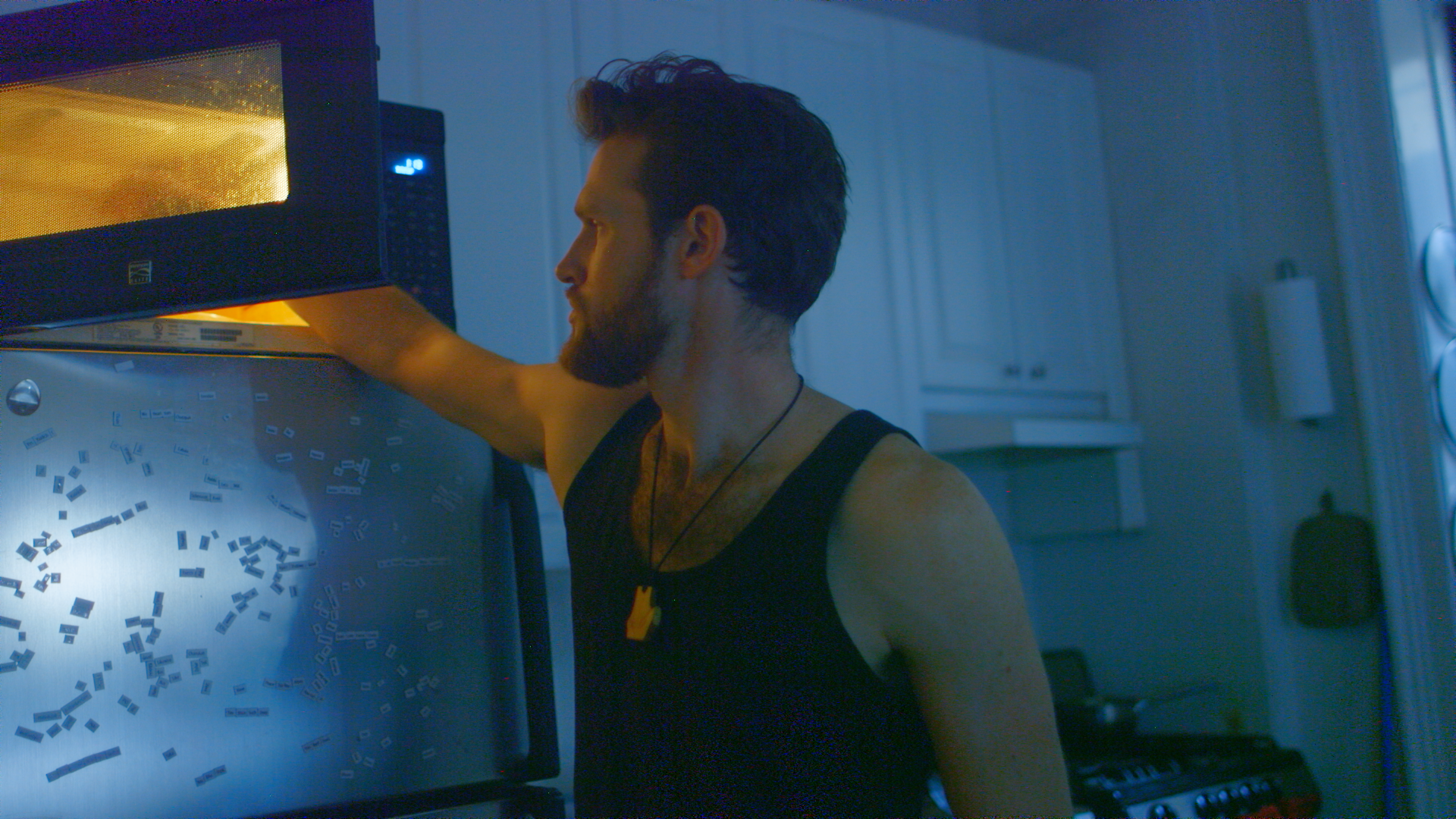
Open Candle glow (Reduce color banding) in RGBA's paired comparisons. The original and enhanced crops use matching example grading and viewing size.
Close to the flame, the enhanced image shows smoother tonal transitions. Farther into the dark background, broader steps remain. This is a local improvement in this example, not complete banding removal. Look at both regions so the favorable crop does not become a promise about the entire shot.
The comparison is a still frame. It cannot establish how every moving edge or fine texture behaves throughout a clip. Use a representative moving section of your own footage before processing a longer take.
A short test that answers the right question
Choose a section with the troublesome gradient, nearby texture and some movement. Start at the original resolution so that a size change does not complicate your first judgment.
Apply the same source interpretation and intended grade to both versions. Compare the gradient boundaries first, then texture and edges. Watch at normal speed and make a short export using your delivery settings. If the issue appears only in that export or after uploading, use the source, grade and export checklist to locate the stage that needs attention.
Keep the result only if it helps the shot in the actual edit. A higher-bit-depth filename or a quieter paused image is not enough.
RGBA offers higher-precision ProRes output for supported footage. You can try a free preview and check your account's remaining allowance before processing. Results vary; enhancement cannot recover clipped highlights or add captured dynamic range. For the format distinction, read what 8-bit to 10-bit conversion changes.