Set up a channel and its agents.
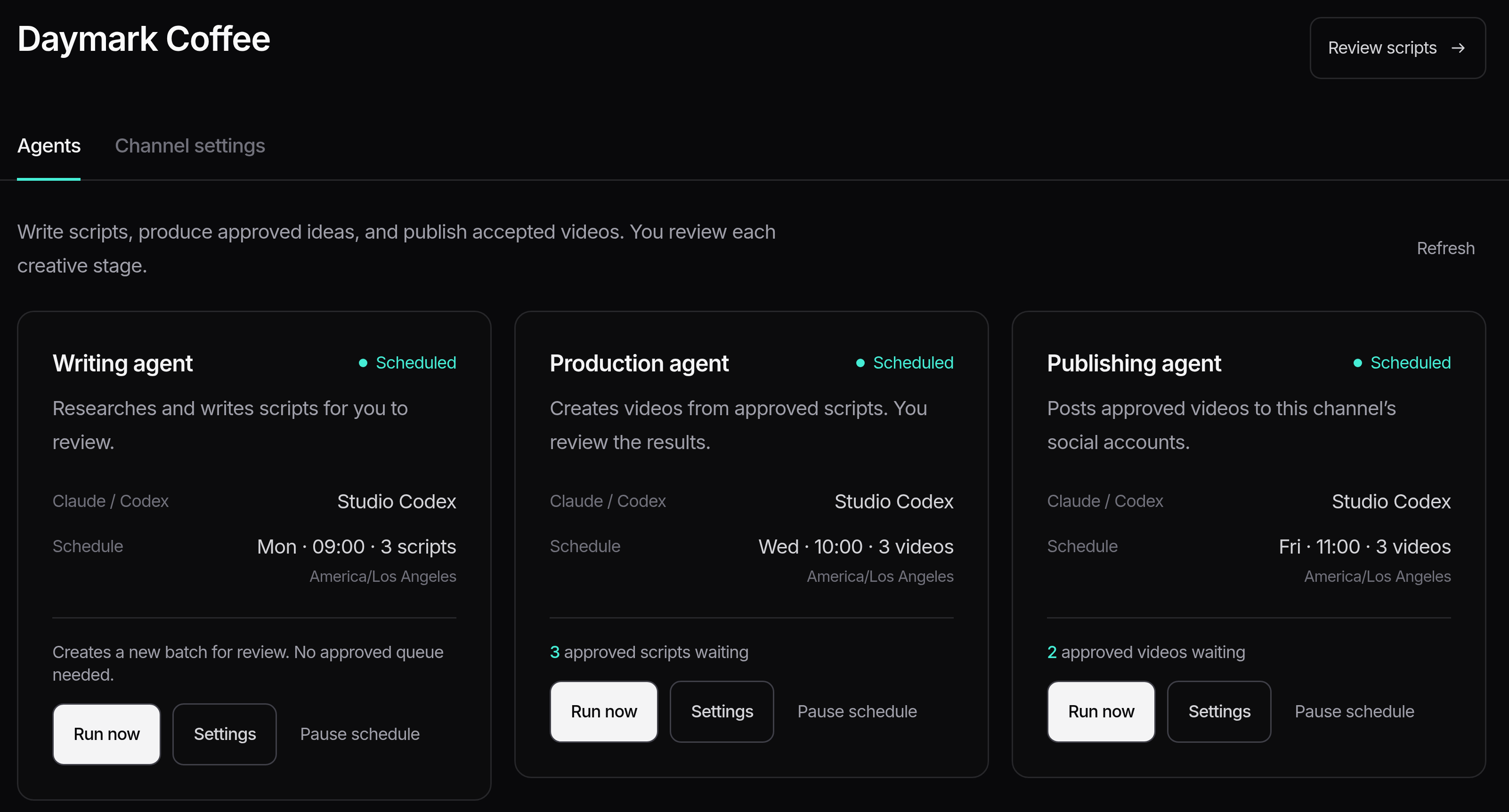
Set a channel brief, schedule, and instructions. Writing, production, and publishing agents run on their own cadence, with your approval at each creative handoff.

For social & growth marketers
Bring your video workflow to RGBA. Agents draft, produce, and schedule videos across channels. You approve the scripts and cuts.
Trusted by teams at


Inside RGBA Studio
Follow Daymark Coffee from channel setup to its next Reel.
Set a channel brief, schedule, and instructions. Writing, production, and publishing agents run on their own cadence, with your approval at each creative handoff.
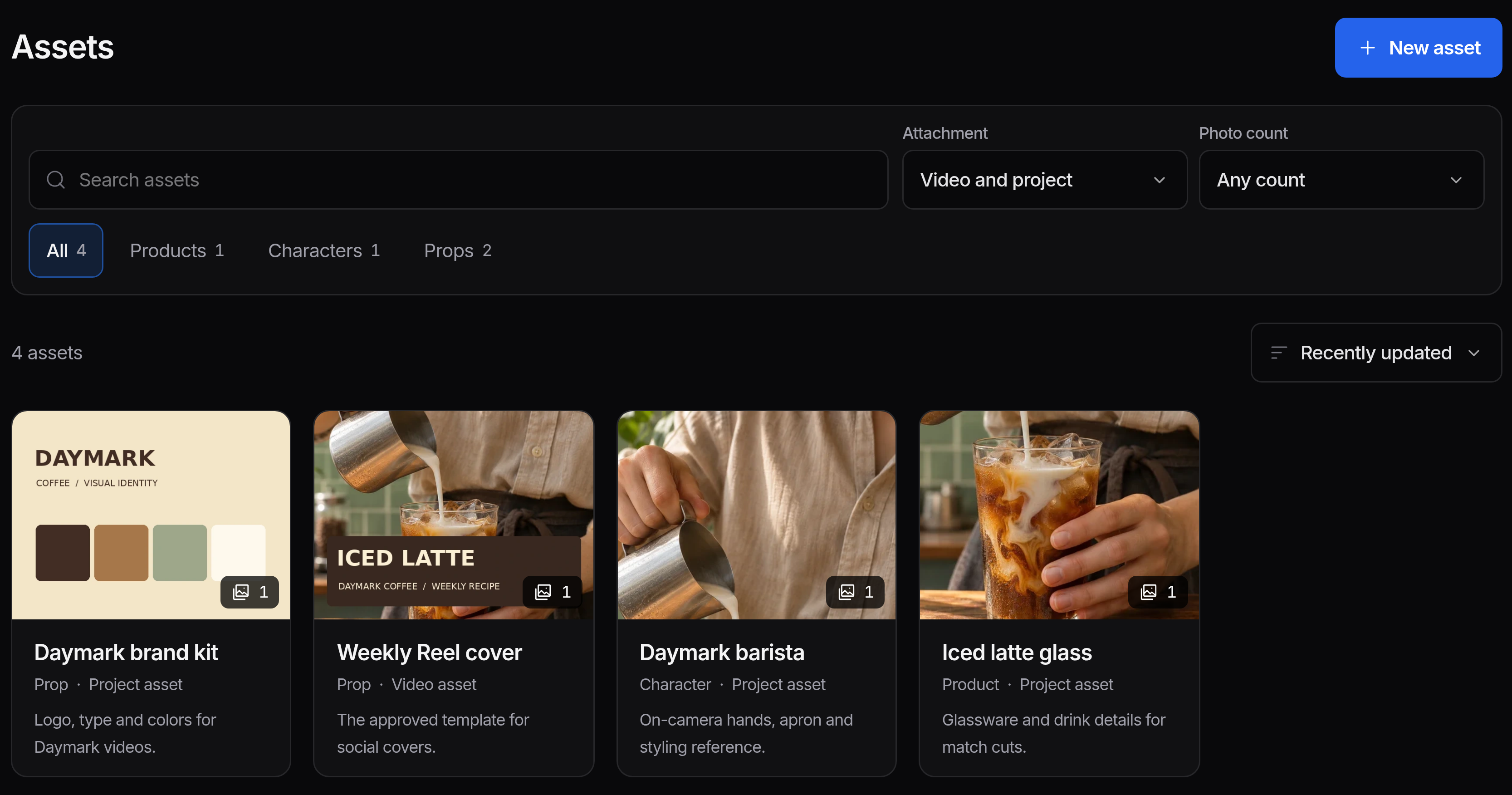
Add brand references, social templates, and recurring characters. Keep them with the project so the next video starts with the right assets.
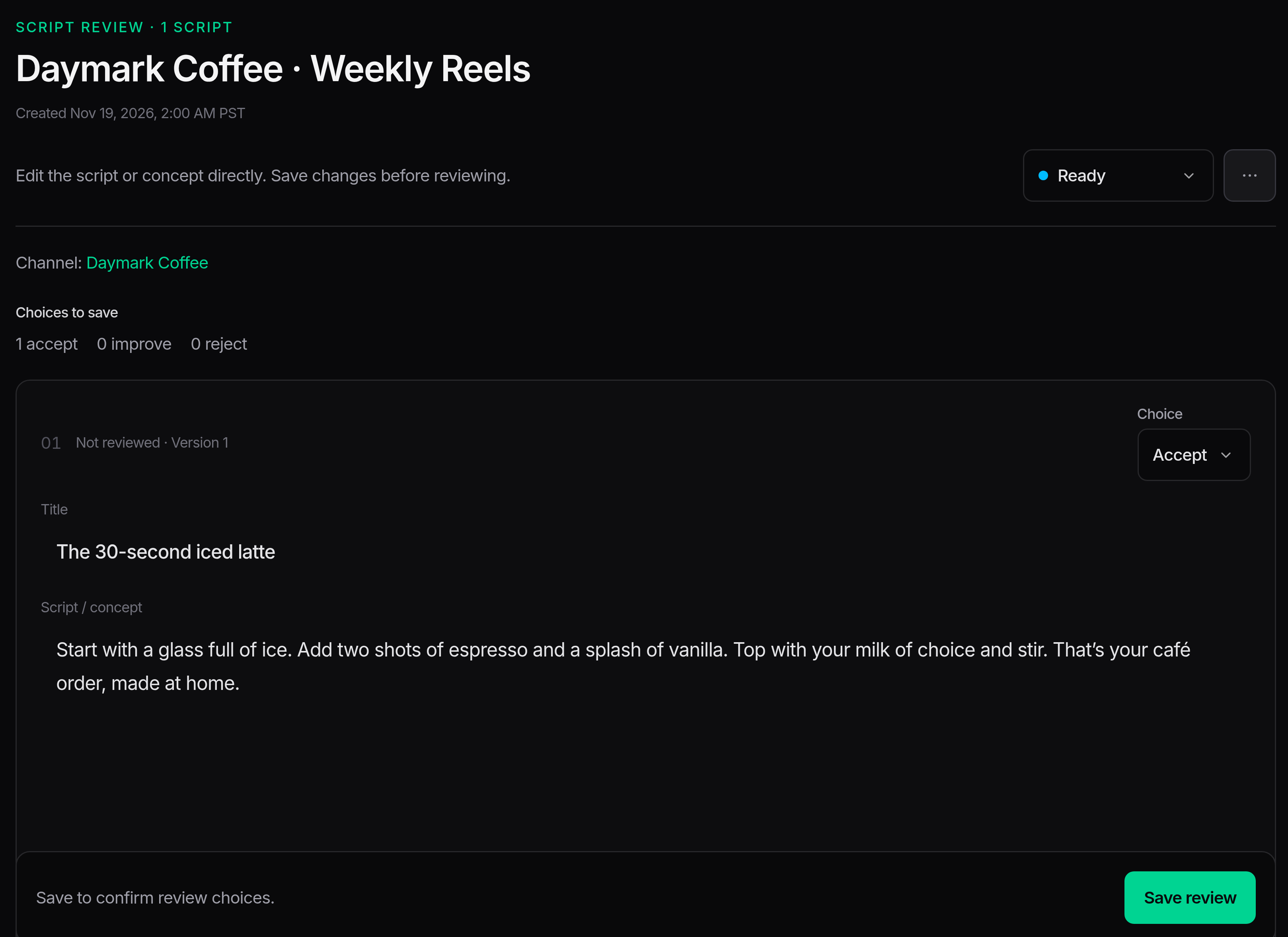
The writing agent drafts a batch from the channel brief. Review hooks and scripts, ask for changes, or approve an idea for production.
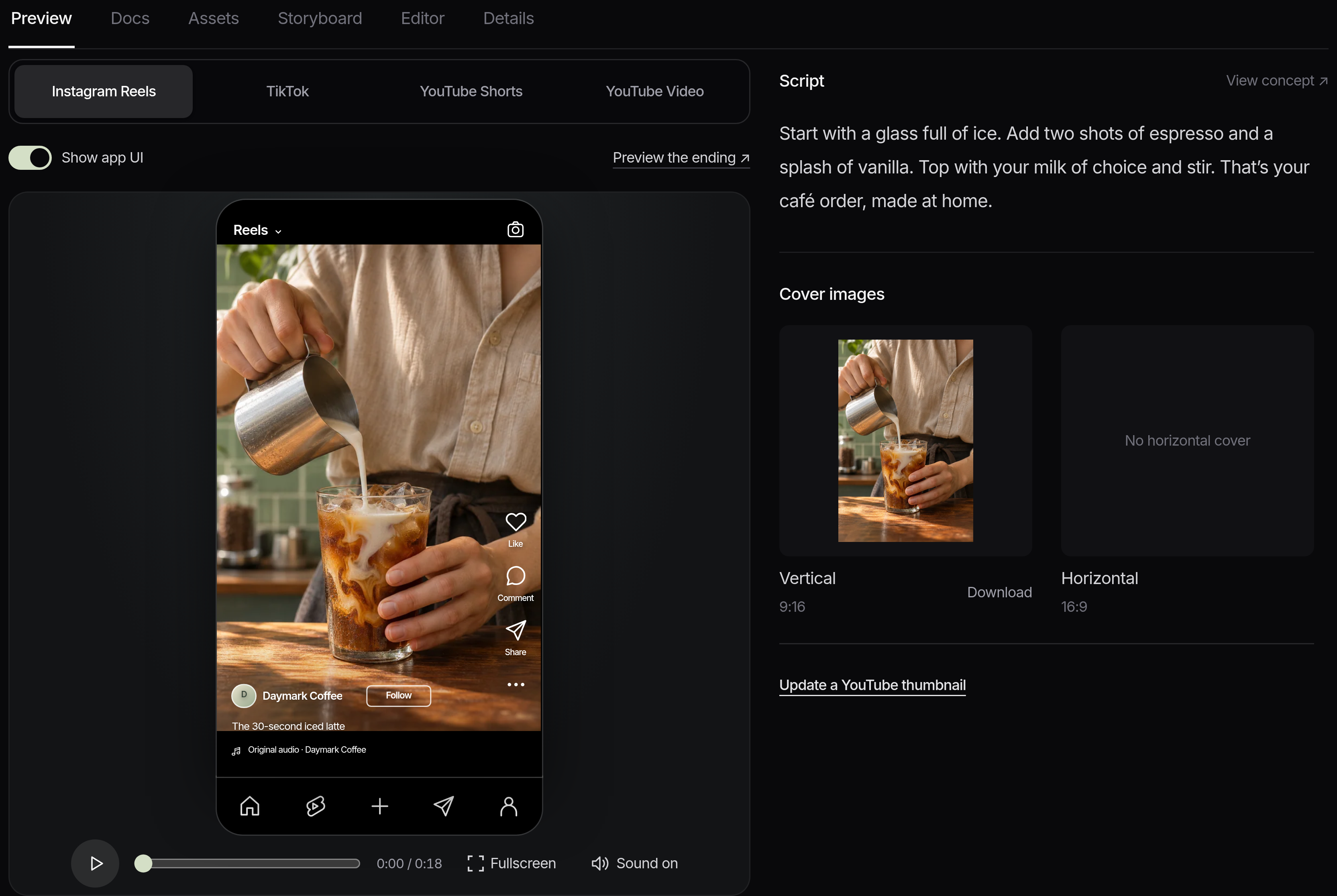
The production agent turns the approved script into an edited draft. Use real footage, with optional AI-generated video and code-created 2D and 3D animation.
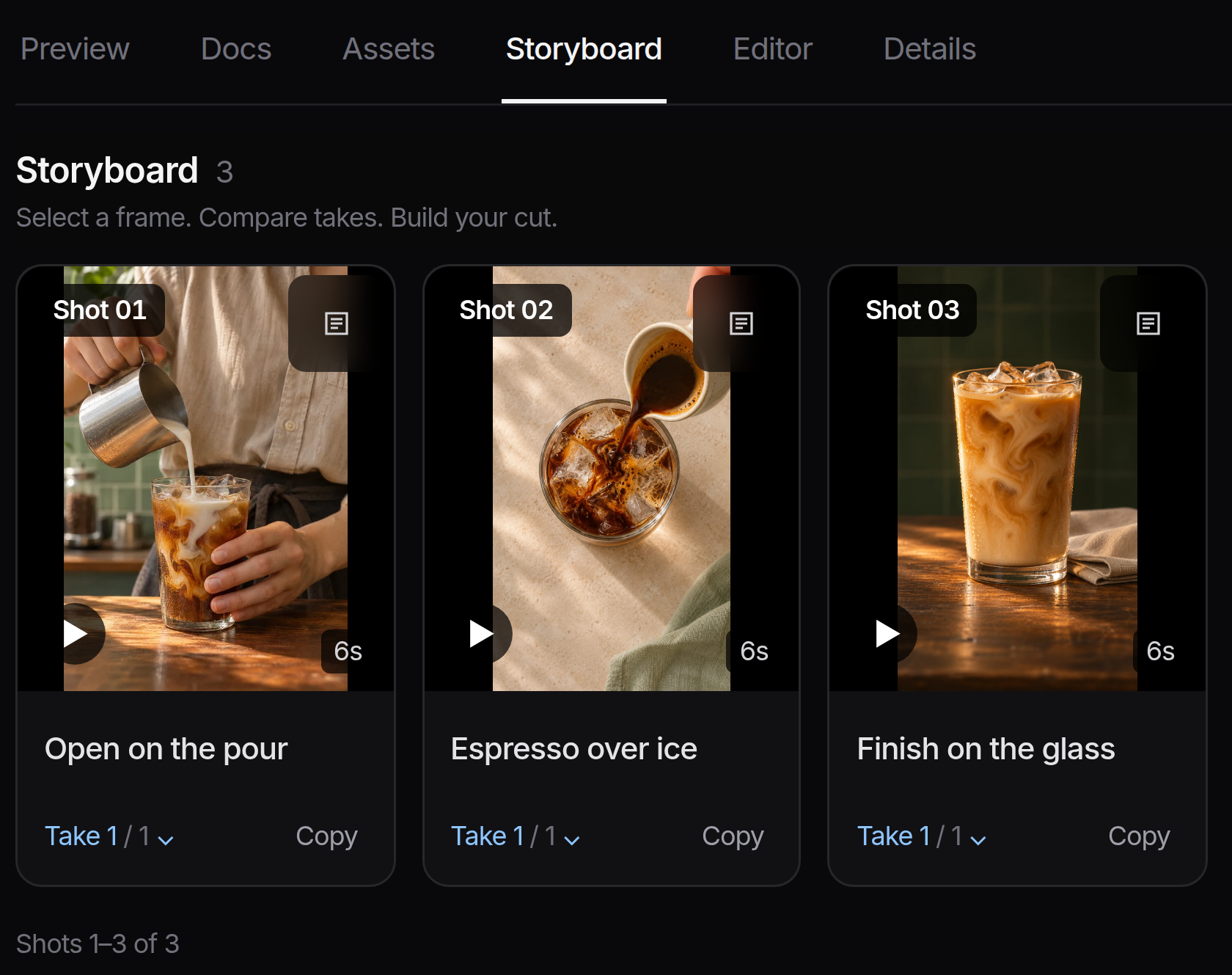
See the sequence, compare takes, and decide which frames and clips belong in the cut.
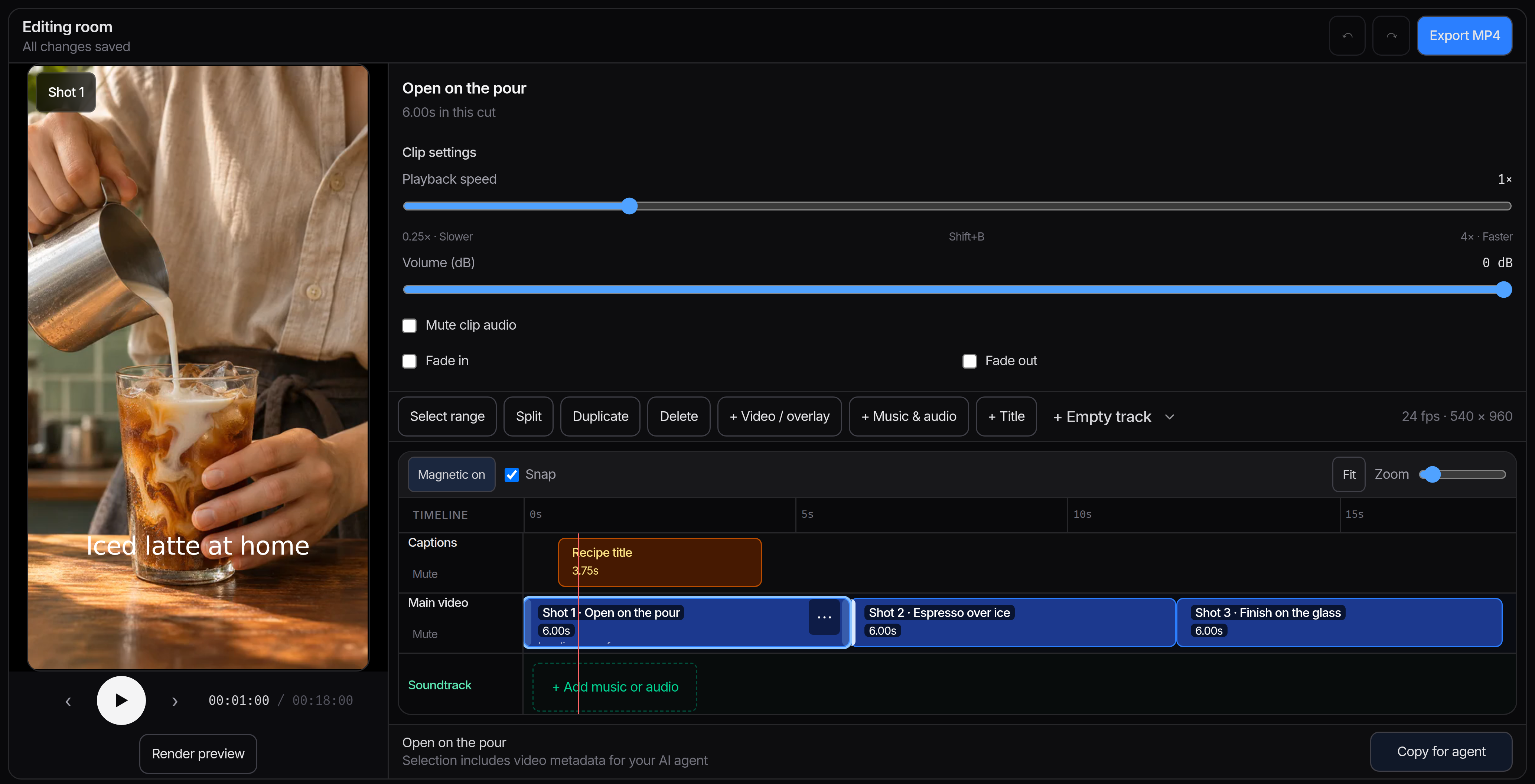
Trim clips, refine captions, and adjust audio in the timeline before you approve the final cut.
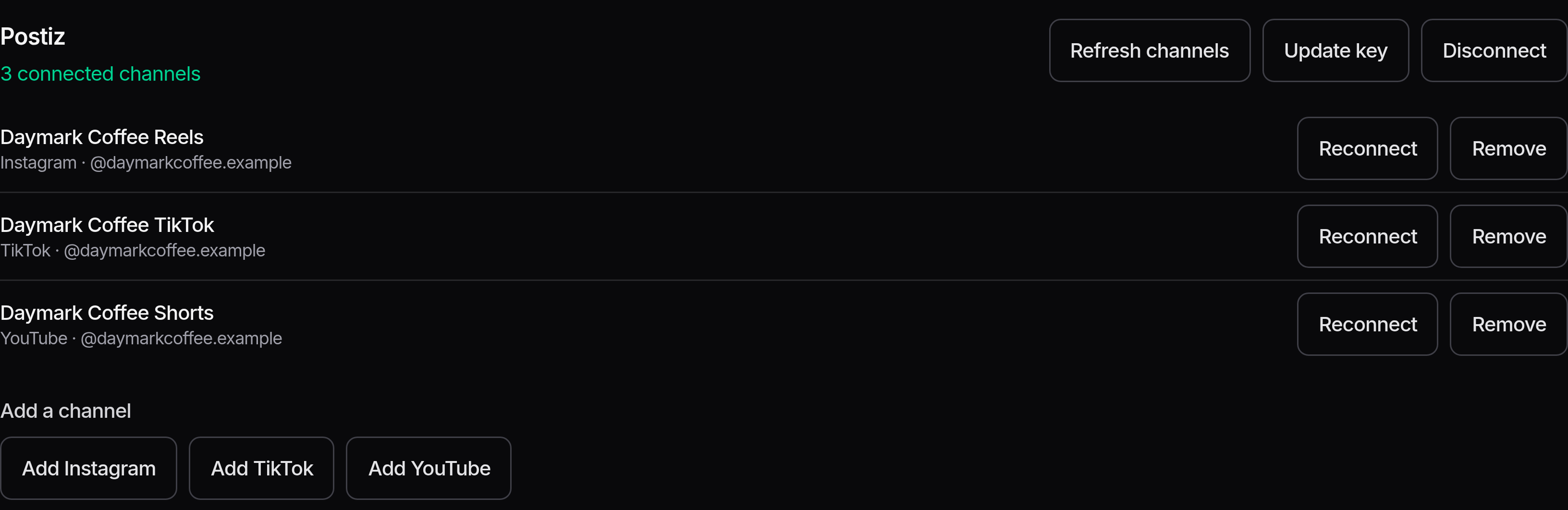
Connect Instagram, TikTok, and YouTube through Postiz. The publishing agent schedules approved cuts across the accounts you assign.
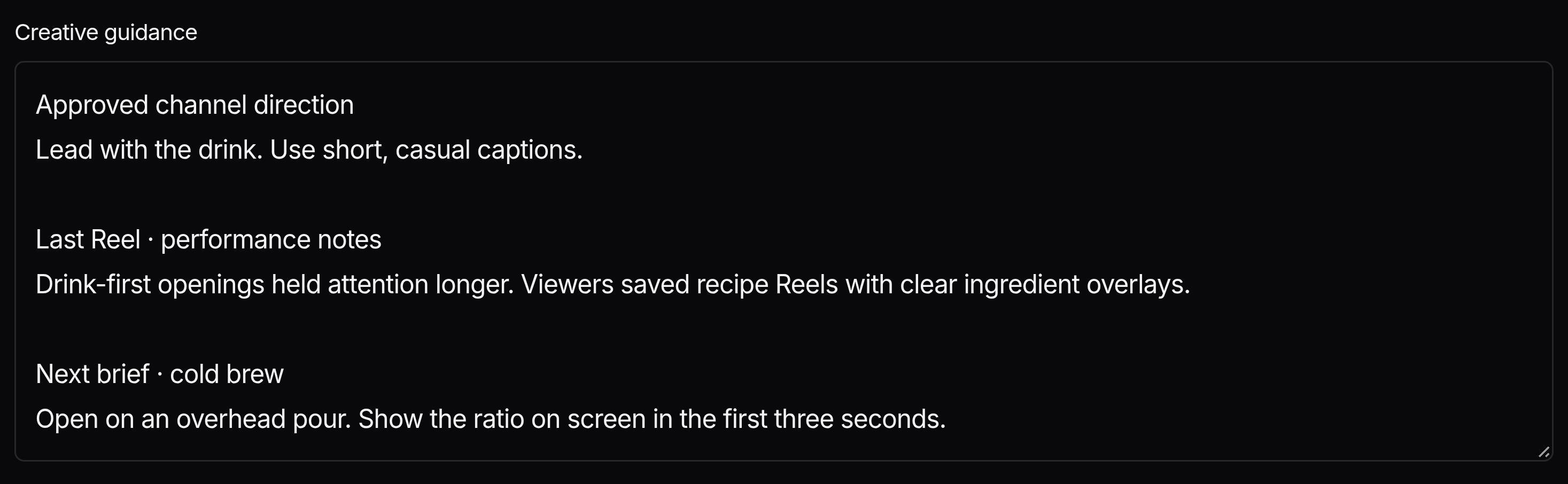
The writing agent analyzes available social performance alongside channel history and feedback. Daymark’s next draft tests an overhead pour and puts the recipe ratio on screen early.
Your workflow
Add the brief, formats, and steps you already use for each channel.
Turn approved scripts into editable cuts using footage, generated clips, and motion graphics.
Give notes on the cut, approve a version, and schedule it for connected accounts.
Keep approved creative choices and performance notes handy for the next run.
Interactive demo
Switch channels to see how each brief, creative direction, and review stays with the right video.

Script review

Video review

Approved
When you’re juggling dozens of channels and hundreds of videos, spend less time on handoffs and more time deciding what to make.
Keep every client’s voice, formats, and approvals with their channel.
Run recurring campaigns and test new formats without rebuilding your process.
Give each series its own direction and publishing cadence.
RGBA Studio early access
Available now
Preview your grade and enhance supported footage for higher-precision ProRes output.
Try AI Video EnhancerMac app in development
Meet Ivon, an editing assistant for reviewing proposed changes to a clip, range, or cut.
Explore RGBA Pro