How to Turn Photos Into Viral Social Media Videos with AI
You already have the raw material. Here's how to make it move.
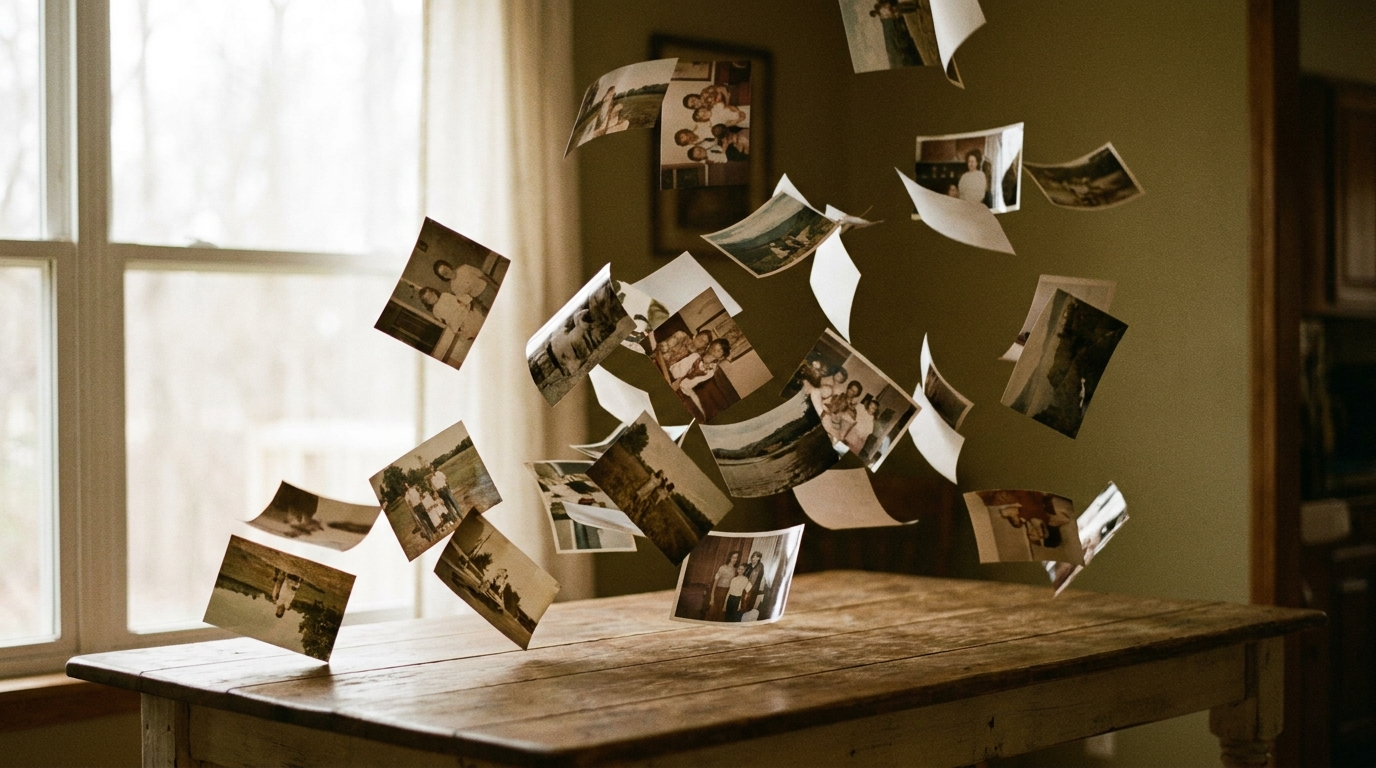
The brands and creators who recognize this shift and build a repeatable AI-assisted video workflow will compound significant advantages in organic reach over the next few years.
You already have the raw material. Here's how to make it move.
Social media is video-first—and it has been for years. Instagram Reels, TikTok, YouTube Shorts: every platform's algorithm heavily rewards short-form video over static images. Yet most creators and brands still rely on photos, because producing polished video has always required equipment, editing software, and either significant time or significant budget.
That constraint is dissolving fast. A new generation of AI video tools can take your existing photos—product shots, lifestyle imagery, branded visuals—and transform them into cinematic, shareable video content in minutes. You don't need a film crew. You don't need Final Cut Pro. You need a clear concept and the right tool.
This guide walks through exactly how to do it.
Why the Photos-to-Video Pipeline Works
The core insight is simple: you probably already have the visual assets. E-commerce brands have product photography. Creators have a library of lifestyle shots. Marketers have campaign imagery. The gap isn't content—it's motion.
AI video generation bridges that gap by using generative models to animate, extend, and contextualize still images into video sequences. The result feels cinematic rather than mechanical because modern AI video engines—trained on billions of video frames—understand how light, physics, and motion behave in the real world.
The payoff is measurable. Video posts on Instagram generate 38% higher engagement than static image posts. On TikTok, video content drives 3x the organic reach of photo carousels. And across all platforms, people retain 95% of a message delivered via video versus just 10% when they read it. For brands investing in content marketing, the return on video isn't debatable. The question is how to produce it efficiently.
What You Need Before You Start
Before jumping into an AI video tool, spend five minutes getting these right. The quality of your inputs determines the quality of your output.
1. Your best 2–4 photos. Choose images with strong composition, good lighting, and clear focal subjects. Blurry or low-resolution shots will limit what the AI can do. Product-on-white, lifestyle hero shots, and clean environmental photography all work exceptionally well.
2. A clear concept or narrative. What do you want the viewer to feel or do? "A product reveal that creates desire" is a better brief than "make it look cool." The more specific your intention, the better the AI can generate a concept that serves it.
3. A target platform. Vertical (9:16) for TikTok and Reels. Horizontal (16:9) for YouTube and ads. Square (1:1) for feeds. This shapes your prompt and framing decisions.
Step-by-Step: Creating Viral Videos from Photos with AI
Step 1: Upload Your Photos
On rgba.ai, the workflow starts with a simple drag-and-drop interface. Upload your product or campaign photos—up to three images work best for a short video. The platform accepts standard formats (JPG, PNG, WEBP).
Choose images that tell a sequential story or show a subject from complementary angles. A great video doesn't need 20 shots. It needs 2–3 strong frames with a clear emotional throughline.
Step 2: Write Your Prompt
This is where the direction happens. Describe what you want the video to feel like, not just what it should show. Think in terms of:
- Mood: cinematic, energetic, calm, dramatic, playful
- Motion: slow zoom, reveal, camera pan, product rotation
- Context: outdoor morning light, urban backdrop, studio product reveal
- Audience reaction: stop-scroll, desire, urgency, inspiration
Example prompt: "A luxury skincare product reveal on a marble surface, slow push-in shot, warm golden light, cinematic depth of field, aspirational mood."
The more sensory your prompt, the more the AI has to work with. Vague prompts produce generic results. Specific prompts produce memorable ones.
Step 3: Review AI-Generated Concepts
rgba's AI generates multiple video concepts based on your photos and prompt—each with a different creative angle, shot composition, and mood. Think of these as treatment options a creative director might pitch.
Evaluate each concept against your target platform and audience. Ask: Does this stop the scroll? Does it serve the narrative I defined? The best concept isn't always the flashiest—it's the one most aligned with what you're trying to accomplish.
Step 4: Generate and Refine
Select your preferred concept and let the AI render the video. rgba uses state-of-the-art video generation (powered by Kling) to produce smooth, cinematic motion from your still images. Videos are typically 5 seconds—the ideal length for social media hooks that loop well and drive replays.
If the first render isn't exactly right, adjust your prompt. The most common refinement: adding specificity to the motion (e.g., changing "slow camera movement" to "slow dolly push toward the product center").
Step 5: Optimize for Platform and Publish
Before publishing, consider three things:
- Caption strategy: Your hook in the first line should create curiosity or state a clear benefit. The video does the visual work; the caption closes the loop.
- Posting time: Platform algorithms favor early engagement. Post when your specific audience is most active—typically early morning (7–9am) or evening (6–9pm) in their time zone.
- Sound: Even AI-generated videos benefit from a strong music bed. Most platforms have royalty-free audio libraries. Pick something that matches the mood of your video.
What Makes AI-Generated Videos Actually Go Viral
Virality is hard to engineer, but the mechanics are consistent. Here's what separates the videos that spread from the ones that don't:
Strong hook in the first 1.5 seconds. This is non-negotiable. The scroll happens in 0.3 seconds. A video that doesn't create immediate visual intrigue dies immediately. Use motion, contrast, or visual surprise at the very start.
Emotional specificity over product feature showcasing. Nobody shares a video because it accurately depicts a product's dimensions. They share it because it made them feel something—aspiration, humor, recognition, desire. Lead with the feeling.
Loop architecture. The best short videos end in a way that makes you want to watch them again. Design your video concept so that the final frame connects naturally back to the first. Replays signal quality to algorithms.
Authenticity of subject. AI-generated motion looks most compelling when the subject is real and photographed well. The AI creates the cinematic layer; the authenticity has to come from your photos.
Common Mistakes to Avoid
Using low-quality source photos. AI can animate, but it can't rescue a blurry, poorly lit, or compositionally weak image. Your output ceiling is set by your input floor.
Prompts that describe objects instead of experiences. "A red sneaker on a white background" is a product description. "A streetwear sneaker reveal shot, dynamic angle, urban lighting, confidence and energy" is a video brief. The difference in output quality is significant.
Ignoring platform-native behavior. A cinematic 16:9 horizontal video uploaded to TikTok in portrait format will be cropped and diminished. Design for the platform from the start.
Over-polishing to the point of sterility. Social media rewards content that feels intentional but not over-produced. A slight sense of dynamism and imperfection often performs better than content that looks like a TV commercial.
The Bigger Picture: Video Production Is No Longer a Budget Question
For most of the last decade, high-quality video content required either a significant production budget or a scrappy willingness to do everything yourself with a smartphone. Neither option scaled well for small teams.
AI video generation changes the economics fundamentally. A single creator or a small marketing team can now produce cinematic-quality video content from existing photo assets—at the cost of minutes and a few dollars rather than days and thousands. The creative bottleneck moves from production to ideation, which is where it should be.
The brands and creators who recognize this shift and build a repeatable AI-assisted video workflow will compound significant advantages in organic reach over the next few years. The ones who wait for the tools to "mature further" will find themselves perpetually behind.
Start with your best photos. Write a specific brief. Let the AI do the heavy lifting.
Create your first AI video on rgba.ai →
Sources
- HubSpot: Instagram Video Engagement Stats
- Wyzowl: State of Video Marketing 2025
- Cisco Annual Internet Report
- Wordstream: Video Marketing Statistics
Frequently asked questions
Can you really turn a photo into a video with AI?
Yes. Modern AI video tools take a still image and generate realistic motion — camera moves, parallax, and subject animation — producing a short clip in minutes. The quality depends most on a high-resolution source photo and a clear prompt describing the motion you want.
What kind of photos work best?
Well-lit, high-resolution images with a clear subject animate most cleanly — product shots, portraits, and scenes with obvious depth. For the prompt side of this, see how to write AI video prompts that actually work.
How long should the resulting video be?
For social feeds, 5 to 15 seconds. Short, loopable clips perform best, and the first three seconds decide whether the video gets distribution at all.
Is AI photo-to-video good enough for real brand content?
For social-first content, yes — it is already widely used for ads, product teasers, and organic posts. The workflow lets brands turn an existing photo library into a steady stream of video without a shoot.