How to Create Product Videos for Social Media (Without a Film Crew)
Most brands know they need product video. The ones that figured out how to make it without a film crew are running away with the market.
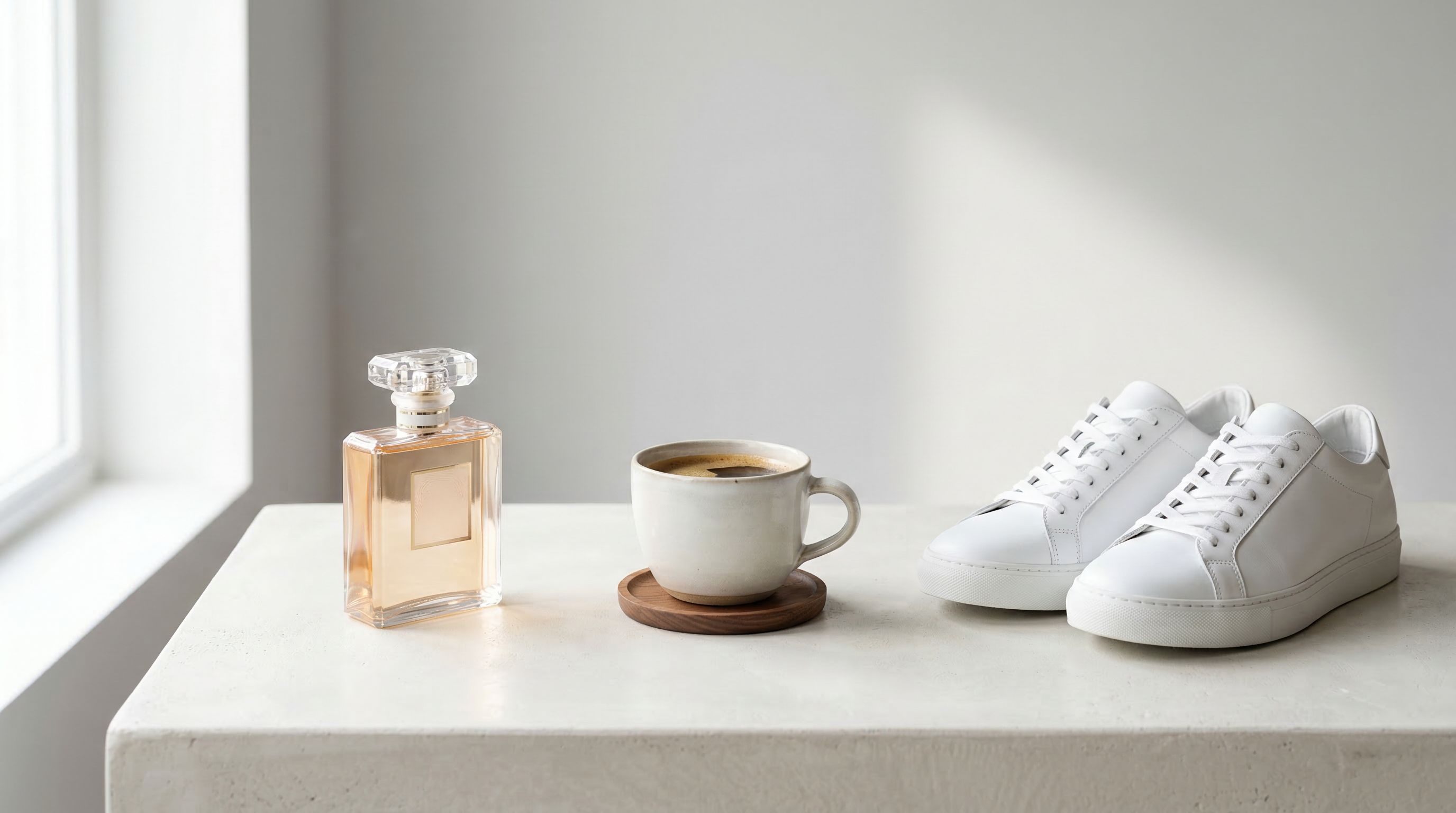
The biggest strategic shift in AI video for social media isn’t the cost reduction — it’s the speed of experimentation. Traditional production gating means brands run a handful of creative tests per year. AI video generation means you can test a dozen creative directions per week.
Most brands know they need product video. The ones that figured out how to make it without a film crew are running away with the market.
Every e-commerce brand, independent retailer, and direct-to-consumer startup reaches the same inflection point: the moment they realize that text and static images aren't moving the needle the way they used to. Social media is video-first — Instagram's algorithm actively suppresses static posts in favor of Reels; TikTok's entire design grammar is motion. And yet most brands are still stuck trying to produce video the old way: hire a photographer, book a studio, wait three weeks, spend $3,000, and post one video that might underperform because the hook was wrong.
That model is broken. And the brands that recognized this first are building systematic, scalable product video workflows for a fraction of the cost and a fraction of the time.
This guide explains exactly how to do it — from what makes a great product video to a step-by-step production workflow you can execute today using your existing photos and an AI video tool.
What Makes a Great Product Video for Social Media?
A great product video for social media does three things simultaneously: it stops the scroll, it creates desire for the product, and it communicates enough brand identity that the viewer knows who made it.
Stopping the scroll requires a strong hook in the first 1.5 seconds — visual motion, contrast, or an unexpected angle that creates immediate curiosity before the thumb moves on.
Creating desire is about mood, not feature lists. Nobody watches a 15-second product video and cares about the SKU. They care about how the product makes them feel: confident, elevated, capable, calm. The best product videos are emotional before they are informational.
Communicating brand identity means that your color palette, lighting aesthetic, and visual grammar feel consistent enough that, after a few posts, your audience recognizes your content before they see your logo.
Most underperforming product videos fail at all three. They start with a static shot. They describe the product rather than evoking the feeling of owning it. They look like stock footage nobody would claim.
Why Traditional Product Video Production Doesn't Scale
The economics of traditional product video production are brutal for small and mid-sized brands.
A basic product video shoot — studio rental, photographer or videographer, editing, revisions — typically runs between $1,500 and $10,000 per deliverable. For a brand with 30 SKUs, a seasonal collection refresh, or a weekly content calendar, that math doesn't work. And even the brands that can afford it face a scheduling problem: booking, shooting, editing, reviewing, and approving takes weeks, by which time the trend has moved on.
The result is that most brands post infrequently, inconsistently, and without variation — three things that guarantee poor algorithmic performance regardless of creative quality.
The constraint isn't creativity. It's production capacity. And AI video generation eliminates that constraint.
How to Create Product Videos for Social Media with AI
The following workflow produces polished, platform-ready product videos in 20–40 minutes using existing photos. No studio. No videographer. No editing suite.
Step 1: Gather Your Best Product Photos
The quality ceiling of your video is set by the quality of your source images. This doesn't mean you need professional photography — it means you need images with:
- Clear, well-lit subject: Good natural light or clean studio lighting. No harsh shadows obscuring product details.
- Strong composition: The product should be the obvious focal point. Lifestyle context (a marble surface, a clean kitchen counter, a wooden table) adds warmth and makes the AI's job easier.
- High resolution: 1080p minimum. The AI generates motion from pixel data — more detail gives it more to work with.
Two to three complementary images — one hero shot and one or two lifestyle or detail shots — is the ideal input set for a 5–15 second social clip.
Step 2: Write a Video Brief, Not Just a Prompt
This is where most people underperform. The difference between a forgettable AI video and a scroll-stopping one usually lives in the quality of the brief.
A prompt is a noun: "a skincare product." A brief is an experience: "a luxury facial serum resting on white marble, slow camera push-in as steam curls from a nearby candle, warm golden backlight, cinematic depth of field, aspirational mood — the feeling of a Sunday morning ritual."
Think in five dimensions when writing your brief:
- Subject: What is the product, and what specific details should the camera notice?
- Motion: What moves — the product, the camera, or both? (Always specify this explicitly; if you don't, the AI will guess.)
- Mood: What should the viewer feel? Aspirational? Energetic? Calm? Confident?
- Lighting and visual style: Warm editorial? Stark high-contrast? Natural daylight? Cinematic?
- Platform intent: TikTok vertical 9:16, Instagram Reels, YouTube Shorts? This shapes framing and pacing.
Step 3: Generate Concepts
Upload your photos and brief to rgba.ai. The platform's AI generates multiple creative concepts — different compositional angles, motion ideas, and moods — all based on your source images and description.
Think of these as creative director pitches. Each concept represents a different angle on the same brief. This is where strategy matters more than aesthetics: evaluate each concept against what you actually need this post to accomplish. A concept with dramatic motion might be right for a TikTok launch announcement; a quieter, more intimate concept might be right for a lifestyle post targeting loyal customers.
Step 4: Render the Video
Select your preferred concept and let the AI generate the video. rgba uses state-of-the-art video generation models to produce smooth, cinematic motion from still images — physically coherent movement, genuine depth cues, and platform-ready output.
If the first render doesn't land exactly as intended, adjust one element of your brief at a time. The most common refinement is adding specificity to motion: changing "slow camera movement" to "slow dolly push from a wide establishing shot toward the product detail" changes the output dramatically.
The iteration loop is minutes, not hours. This is the fundamental shift from traditional video production: failure is cheap, so experimentation becomes possible.
Step 5: Prepare for Platform and Publish
Before publishing, three things:
Caption strategy: Your hook in the first line creates curiosity or states a clear benefit. The video handles the visual persuasion; the caption closes the loop with context and a call to action. No essays. No hashtag spam.
Soundtrack: Platforms have royalty-free music libraries. Choose something that matches the emotional register of your video — energy-matched audio consistently improves completion rates.
Timing: Early engagement signals drive algorithmic distribution. Post when your audience is active (typically 7–9am or 6–9pm local time) and respond quickly to early comments.
Platform-Specific Tips for Product Videos
TikTok: The algorithm rewards novelty and completion. Something must be happening in the first 0.5 seconds. Vertical 9:16 is mandatory. Design for loop architecture — if your video ends close to where it begins, replays are automatic, and replays are one of the strongest engagement signals TikTok rewards.
Instagram Reels: More latitude for beauty and atmosphere than TikTok. Aspirational aesthetics perform exceptionally well for lifestyle and premium product categories. The first frame is your billboard — use visual contrast or unexpected motion to stop the scroll.
YouTube Shorts: A slightly longer attention window. The platform skews toward tutorial and "how it's made" content. Consider concepts that show the product in context — not just what it looks like, but what using it feels like.
LinkedIn: Underrated for B2B product categories. Clean composition, clear product focus, and professional context consistently outperform visually elaborate concepts. Keep motion subtle and purposeful.
What Kinds of Products Work Best?
AI product video works across virtually every consumer and B2B category, but some translate especially well:
Skincare and beauty: Texture, motion, and light are everything. The slow reveal of a serum drop catching light, or steam rising from a facial cream — these sensory moments create desire that static images can't replicate.
Food and beverage: The camera orbit around a cocktail, condensation forming on a glass, steam rising from a bowl. Food video has always been one of the highest-performing content categories on social media.
Fashion and apparel: Fabric movement, the slow pan across a garment's detail, the texture of a material in motion. Lifestyle context matters — the same jacket looks different against a blank white wall versus a textured urban backdrop.
Home goods and decor: Spatial context and ambient motion. A candle flame, light shifting through a window, the slow reveal of a room's composition. These feel cinematic in ways that static product photography cannot.
Fitness and wellness: Dynamic motion, kinetic energy, the feeling of performance. A low-angle shot of a running shoe impacting the ground, water droplets spraying — these create aspirational engagement immediately.
Common Mistakes That Kill Product Video Performance
Using low-resolution or poorly lit source photos. The AI generates motion from what it has. Blurry, dark, or compositionally weak images produce blurry, dark, compositionally weak videos. Garbage in, garbage out.
Writing product descriptions instead of creative briefs. "Red sneaker on white background" is a product description. The AI needs direction on mood, motion, and feeling — not just what the object looks like.
Ignoring platform format. A cinematic horizontal video uploaded to TikTok in portrait format will be pillarboxed and visually diminished. Design for the platform from the brief stage.
Posting once a week and calling it a video strategy. AI video production is fast enough to support 3–5 posts per week per platform. The brands winning at social video are the ones posting consistently — not perfectly. An algorithm that sees you post 20 times per month builds a larger, more engaged audience than one that sees a single polished video.
The Compounding Advantage of Systematic AI Video Production
The biggest strategic shift in AI video for social media isn't the cost reduction — it's the speed of experimentation. Traditional production gating means brands run a handful of creative tests per year. AI video generation means you can test a dozen creative directions per week.
Which hook format outperforms for your audience — slow cinematic reveals or fast dynamic cuts? Which mood creates more profile visits — aspirational or playful? Which product angle drives more link clicks? These are questions that take years to answer at traditional production velocity. At AI production velocity, you can know in a month.
That's the compounding advantage. Every week of data makes the next week's brief more precise. Every test makes the next video more likely to succeed. And over time, a brand that publishes 200 AI-assisted product videos in a year will understand its audience better — and reach them more effectively — than a brand that produced 12 traditionally filmed ones.
Create your first product video on rgba.ai →
Sources
- Wyzowl: Video Marketing Statistics 2026
- HubSpot: Social Media Statistics 2026
- Sprout Social: Social Media Benchmarks 2026
- Meta Business: Instagram Reels Best Practices
- TikTok for Business: Creative Best Practices
- Cisco Annual Internet Report: Video Traffic Share
Frequently asked questions
How much does it cost to make a product video for social media?
Traditional shoots run roughly $1,500 to $10,000 per deliverable. An AI workflow built from existing photos produces platform-ready clips in 20 to 40 minutes at a fraction of that cost.
How do I make product videos without a film crew?
Start with two or three well-lit, high-resolution product photos, write a creative brief rather than a one-line prompt, generate concepts, render, and prepare for the platform. The brief is where most of the quality lives — see how to write AI video prompts that actually work.
How long should a product video for social media be?
For most feeds, 5 to 15 seconds. TikTok rewards short, loopable clips, and the first three seconds decide whether the video gets distribution at all.
How often should brands post product videos?
AI production is fast enough to support three to five posts per week per platform. Consistency beats polish: algorithms reward brands that post often over those that ship one perfect video a month.